
-
Click on an object with the right mouse button.
-
The context menu opens - with any sub-menus - and contains the main commands.
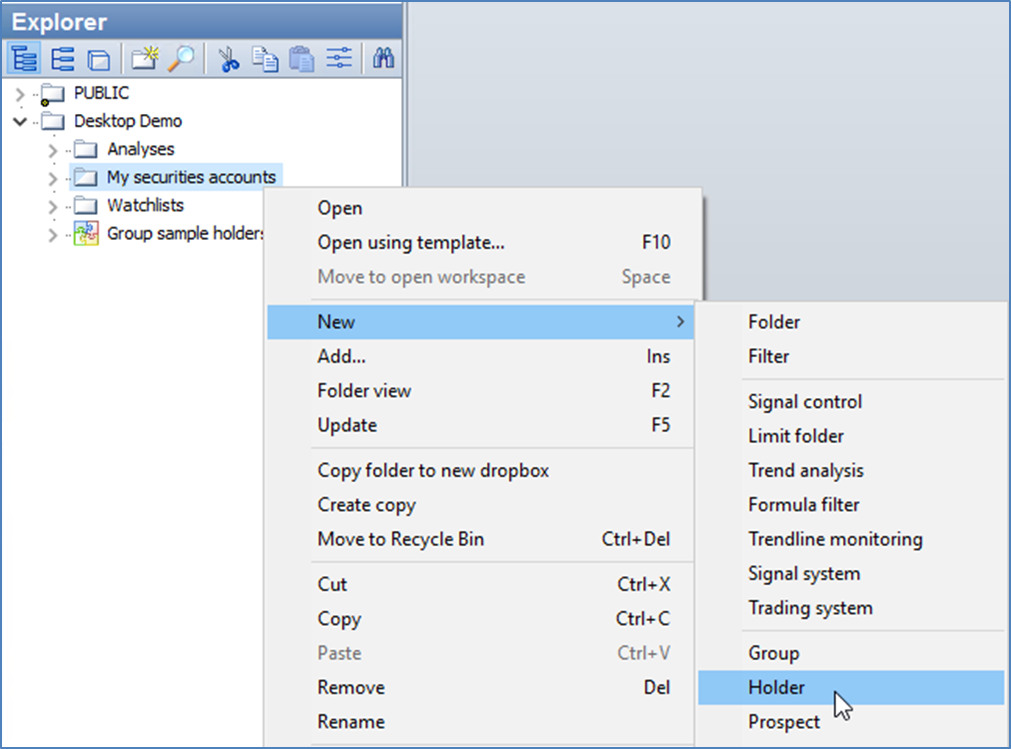
Only the active commands can be selected. Functions that are not available are grayed out in the context menu.
Click on an object with the right mouse button.
The context menu opens - with any sub-menus - and contains the main commands.
Only the active commands can be selected. Functions that are not available are grayed out in the context menu.