
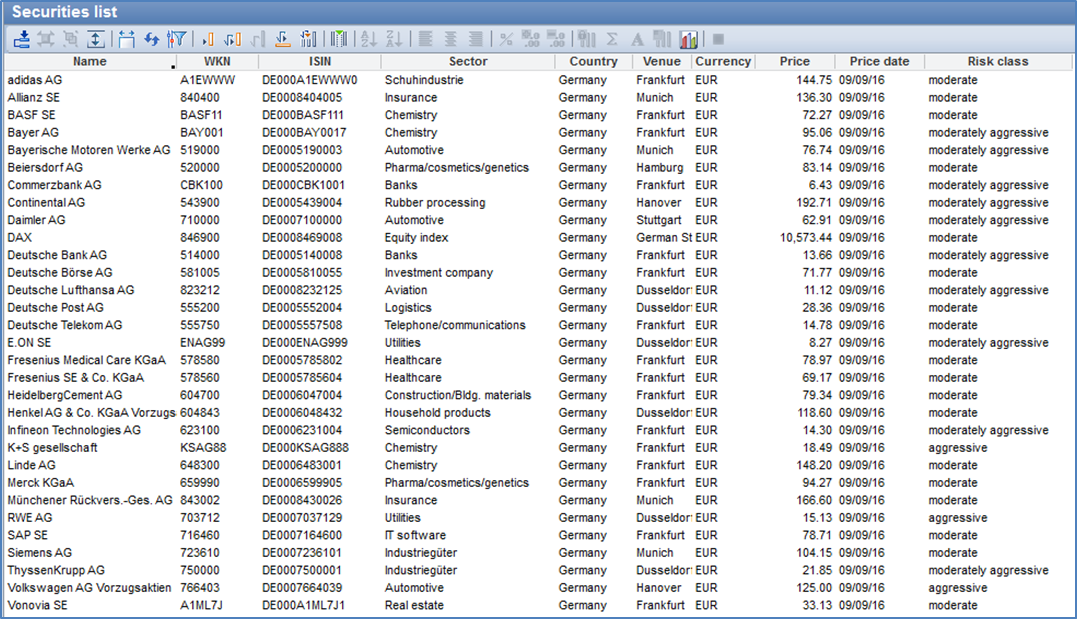
Tables in Infront Portfolio Manager are extremely versatile. The operation of all table templates is identical, regardless of which template they are linked to and for which purpose the templates are used.
Each column of the table is based on a formula that determines the content. You can use the MM-Talk formula editor and the function wizard to edit the column formulas and thus change or redesign tables as you wish.
-
Open tables -
Icons in the table window -
Create new tables -
Edit columns -
Edit tables -
Filter tables -
Headings and labels with dynamic information -
Settings for table evaluation -
Functions of the table -
Context menus in tables -
Open objects in a table -
Print tables -
Copy table to clipboard -
Apply standard design to table