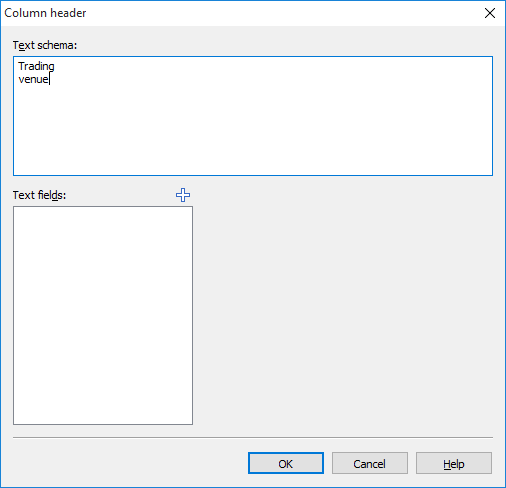
You can customize the headings and labels in various places in Infront Portfolio Manager. For tables, for example, the title line, the column headings and - if the table has a footer - the names of the footer elements can be changed.
You have two options when defining headings: You can enter text, i.e. choose a static heading, or you can opt for dynamic headings. You can supplement the text with information that changes from evaluation to evaluation and therefore cannot be captured with static text.