This configuration is only possible with the "Configure workspaces" system right. An overview of the available authorizations can be found at
List of rights.
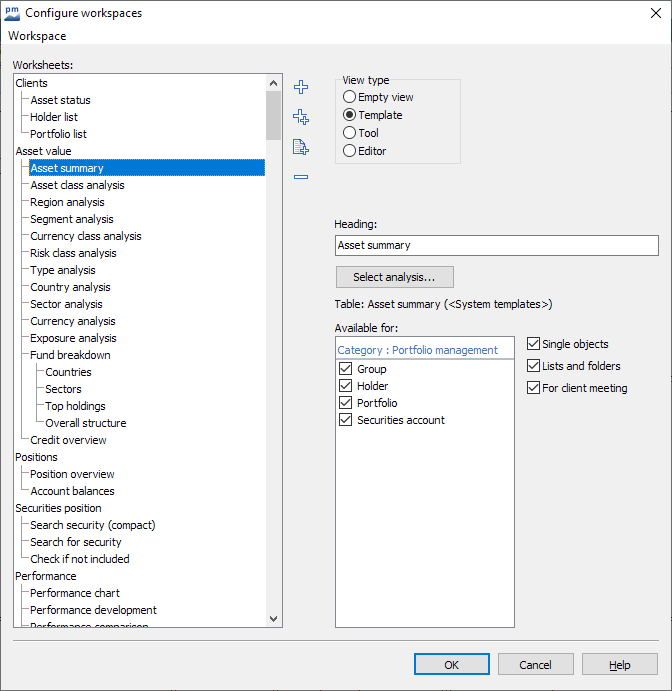
To edit the workspaces and worksheets, select the CONFIGURE WORKSPACES command on the "Configuration" tab in the "Workspaces" icon menu.
The "Configure workspaces" dialog box opens.