
Module "Advanced Technical Analysis"
-
First open the workspace of a security (preferably via the search field in the ribbon).
-
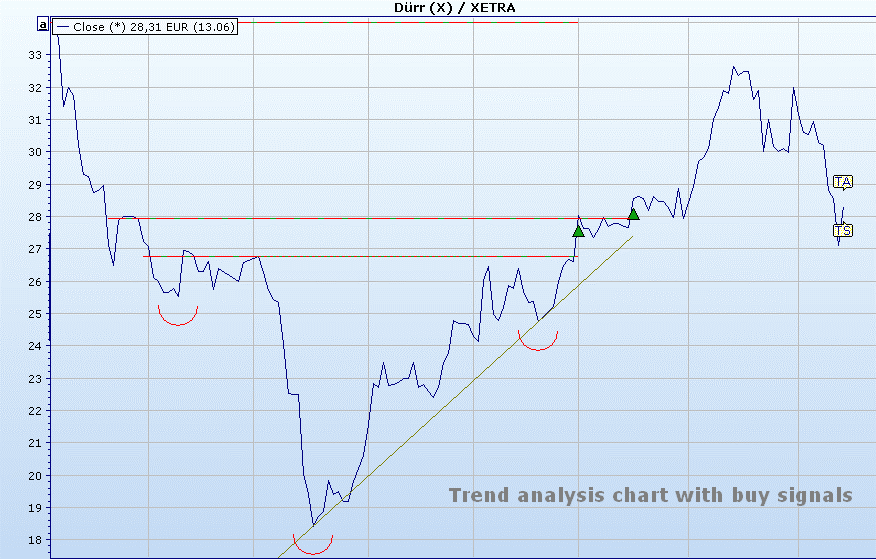
In the workspace, you will find various chart evaluations (by default) on the "Charting" worksheet. This includes an optimized trend analysis chart.
-
You will find the icons and commands for trend analysis in the toolbar of the charts and also in the "Trend analysis" icon on the "Chart" tab.
Unknown Attachment -

-
