
You can delete profiles created in the profiling service for an owner (including their portfolios and linked persons) directly in the Infront Portfolio Manager.
Proceed as follows:
-
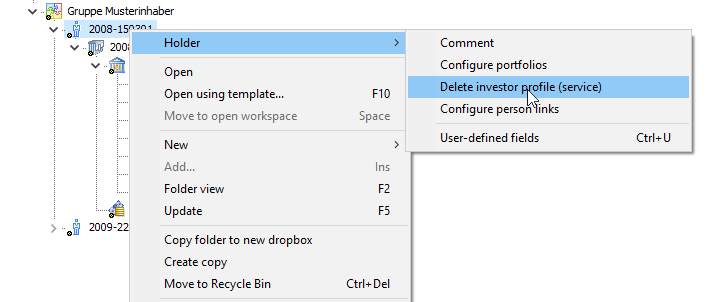
Select the command INHOLDER, DELETE CREATE PROFILE (SERVICE) in the context menu of the owner in the Explorer.
-
Confirm the security prompt that appears with "Yes".
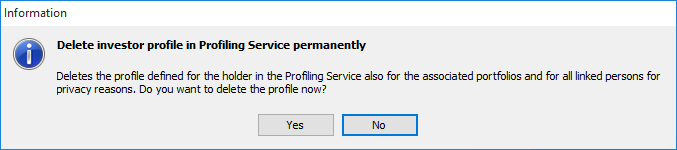
The investment profile is deleted in the service.
For data protection reasons, investment profiles are permanently deleted and cannot be restored.