
You can easily add time series, for example indicators that you have changed in the chart, to the pull-down menus. Proceed as follows:
-
To do this, select the command APPLY AS FORMULA ELEMENT... in the context menu of the time series you have defined.
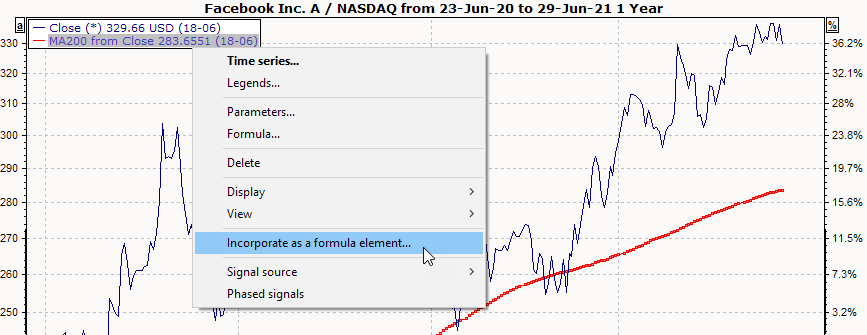
The "Set up chart formula elements" dialog box opens. The current settings of the time series have already been adopted. -
Enter a meaningful name in the "Name" field and confirm with "OK".
For further information, please also read the section Configuring pull-down menus.