
This account transaction type enables the flat-rate recording of the stamp duty incurred. To enter stamp duties, proceed as follows:
-
Open the "Enter transactions" worksheet as described in the section Enter transactions and select the desired holder or portfolio if necessary.
-
Open the ACCOUNT menu in the "Enter transactions" worksheet.
-
Go to Account transaction types and select the transaction type STAMP SUBMISSION.
Use the keyboard to enter stamp submissions when the "Enter transactions" worksheet is open as follows: Press the key combination <CTRL>+<2> for the account transaction types. Then press the button<Q>.
The "Stamp deposit" dialog box appears.
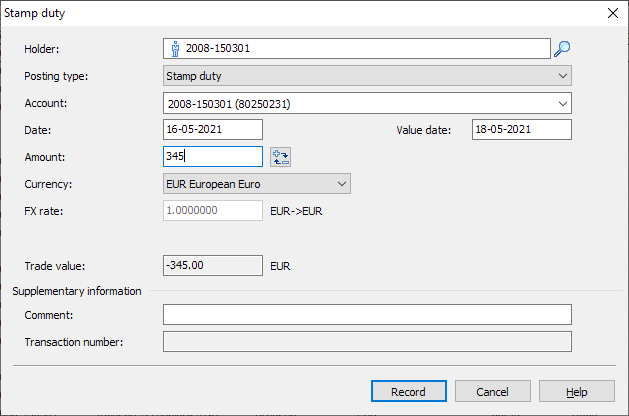
Entering the stamp duty is the same as entering a cash deposit. For details on the individual input fields, please read the section Cash contribution. -
Finally, confirm the entries with the "Enter" button.