
You can of course also withdraw money from accounts. To enter a cash withdrawal, proceed as follows:
-
Open the "Enter transactions" worksheet as described above in the section Enter transactions and select the desired holder if necessary.
-
Open the ACCOUNT menu in the "Enter transactions" worksheet.
-
Select the transaction type CASH DEPOSIT at Account transaction types .
Use the keyboard to enter a cash withdrawal with the "Enter transactions" worksheet open as follows: Press the key combination <CTRL>+<2> for the account transaction types. Then press the <W> button.
The "Cash withdrawal" dialog box appears.
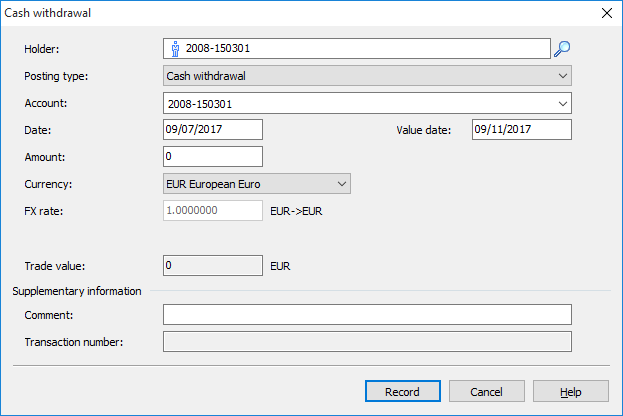

The further recording of the cash withdrawal corresponds to the recording of a Cash contribution.