

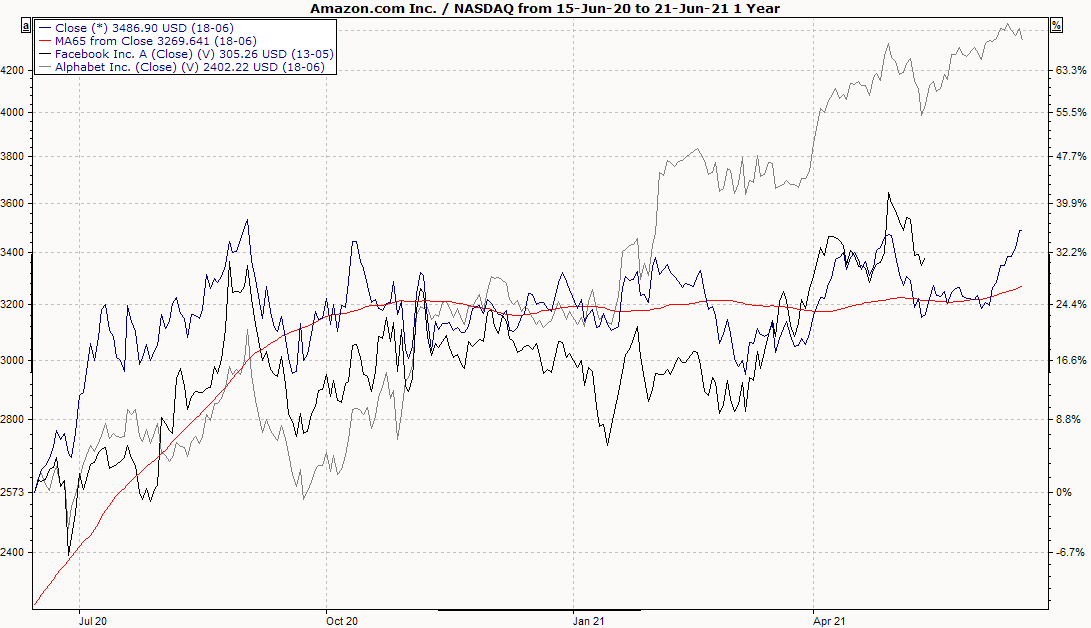
When inserting comparative values, the first time series is automatically defined as the base time series. Please also read the section Comparative values.
When inserting comparative values, the first time series is automatically defined as the base time series. Please also read the section Comparative values.