
To mark the comparison date in the current chart, select the COMPARE DATE command on the "Chart" tab. A comparison marker is drawn in the chart window.

To hide the comparison marker again, select the icon or the COMPARE DATE command on the "Chart" tab again.
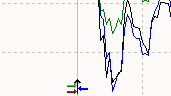
You can also move the comparison marker with the mouse to change the comparison date.