
This service pack allows you to set an encryption option for the configuration files in the “shared” directory. By default, the files are not encrypted.
You can change the encryption method in the “User management” application. To do this, open the “Settings” dialogue box via the main menu (TOOLS, SETTINGS) in User management; you will find the following new settings in the “Encryption of configuration files” section:
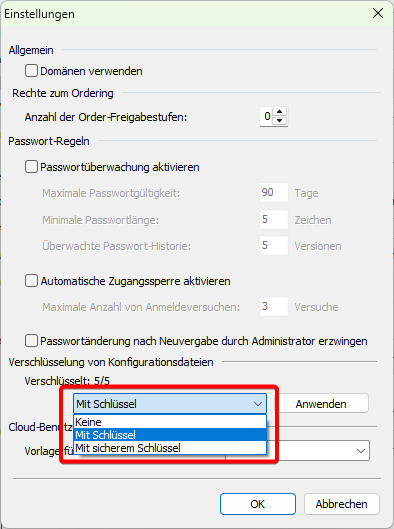
To apply the desired encryption option, proceed as follows:
-
Select the required option from the drop-down list in the “Encryption of configuration files” section.
-
Then click the “Apply” button.
A message will appear to inform you that the encryption has been completed.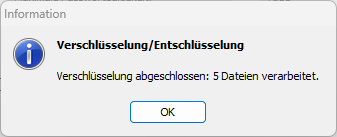
The encryption options in detail:
-
None (default)
-
With password (a password generated by the program (the same for all clients/instances))
-
With a secure key (the client's own key)