
If you click on a table cell, the relevant row is also colored and thus highlighted. Use the arrow keys on your keyboard to mark the lines one after the other. Hold down the <SHIFT> key to select several lines at the same time.
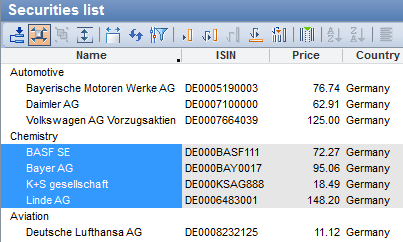
If you click on a table cell, the relevant row is also colored and thus highlighted. Use the arrow keys on your keyboard to mark the lines one after the other. Hold down the <SHIFT> key to select several lines at the same time.