
Some options for changing the grids and the axis labels have been added to the dialog box for editing the coordinate axes.
-
To edit the left axis (for example), select the LEFT SCALE command in the "Edit chart elements" menu icon on the "Chart" tab.
-
Switch to the "Vertical scale properties" tab or the "Horizontal scale properties" tab. The current settings are displayed.
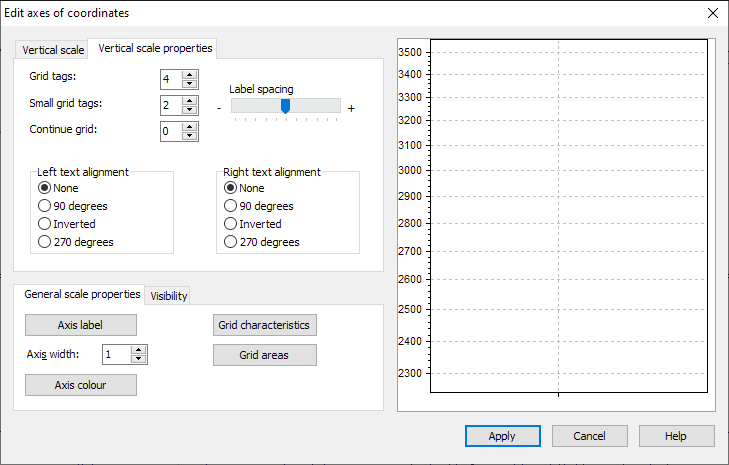
-
You can change the options by clicking on the respective fields or checkboxes. You can check your settings directly in the example window shown on the right.
-
Save all changes with "Apply".