
In the "Position restriction checks" dialog box, you can decide for an entered comment whether it should apply to several positions in a portfolio. You will find the "Collective comment" column in the upper table of the dialog window. If you activate the checkbox for a restriction in this column, the comment is added to every position in the portfolio with this restriction and the same restriction violation status.
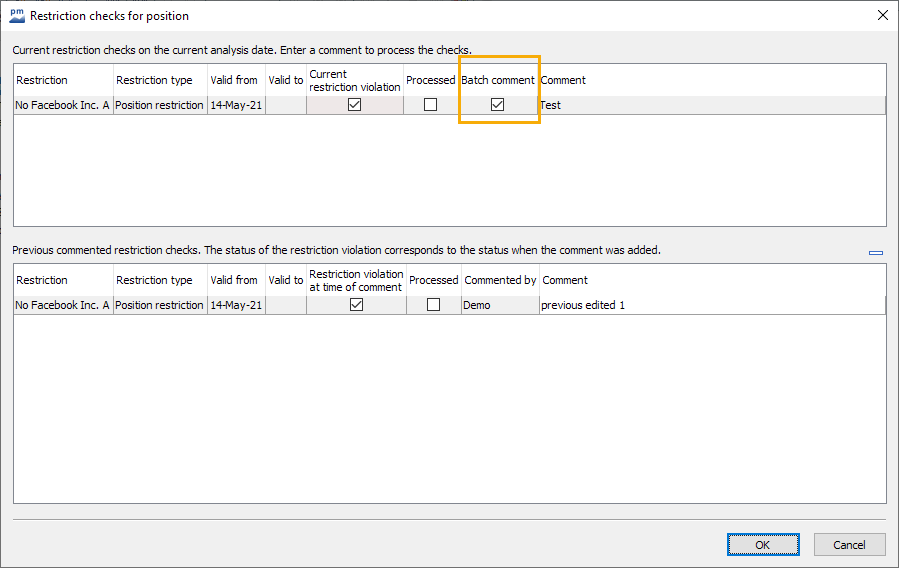
-
Same restriction as the restriction item pair for which the comment was entered and marked as a collective comment
-
Same restriction violation status as the restriction item pair for which the comment was entered and marked as a collective comment
-
No existing comment with the same "Valid from" date as the collective comment
-
No existing comment with a "Valid to" date that falls on the "Valid from" date of the collective comment or on a later date