

-
Select the PREFORMULA command on the "Table" tab in the ribbon or the "Edit preformula" icon in the table toolbar.
The formula editor appears, where you can enter the preformula.
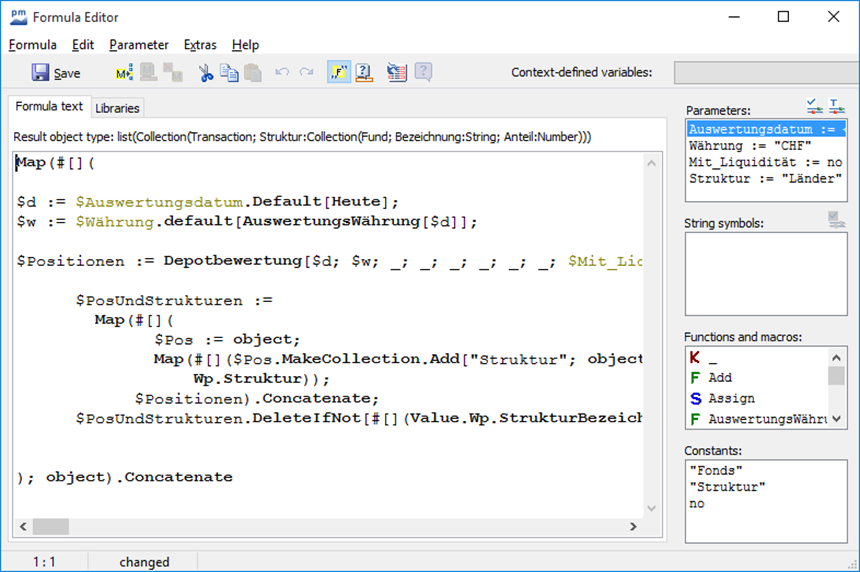
-
Then save the entered preformula with the "Save" button.
You can find out more about entering filter conditions in the chapter Filter/Finder, and more about the preformulas at MM-Talk reference.
Use global variables in preformulas. Please also read the section Global variables.