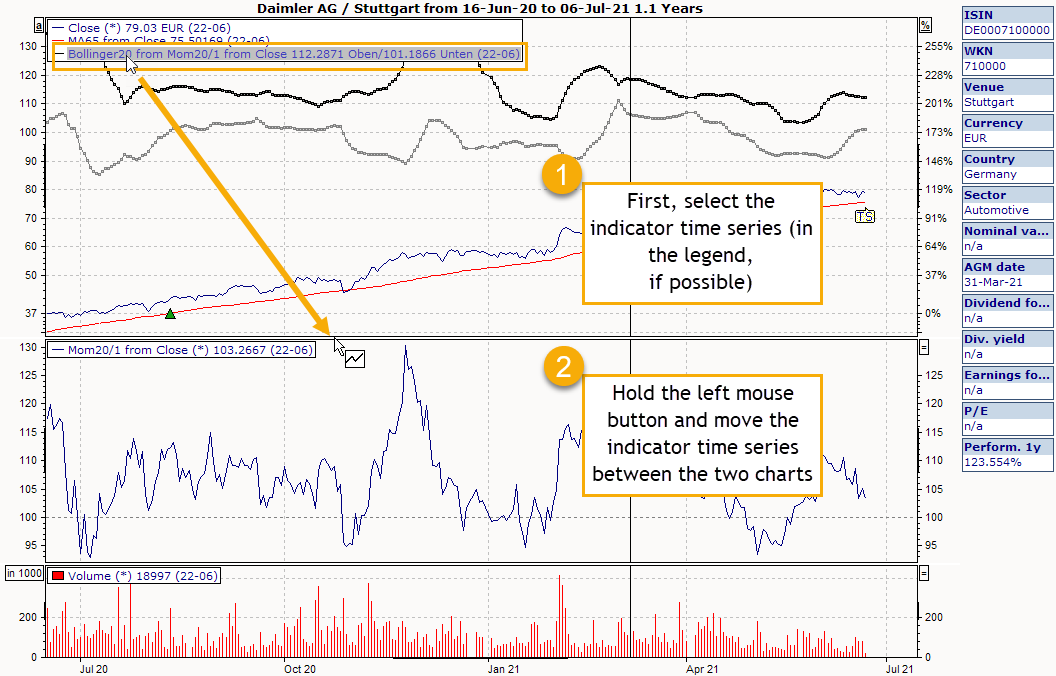
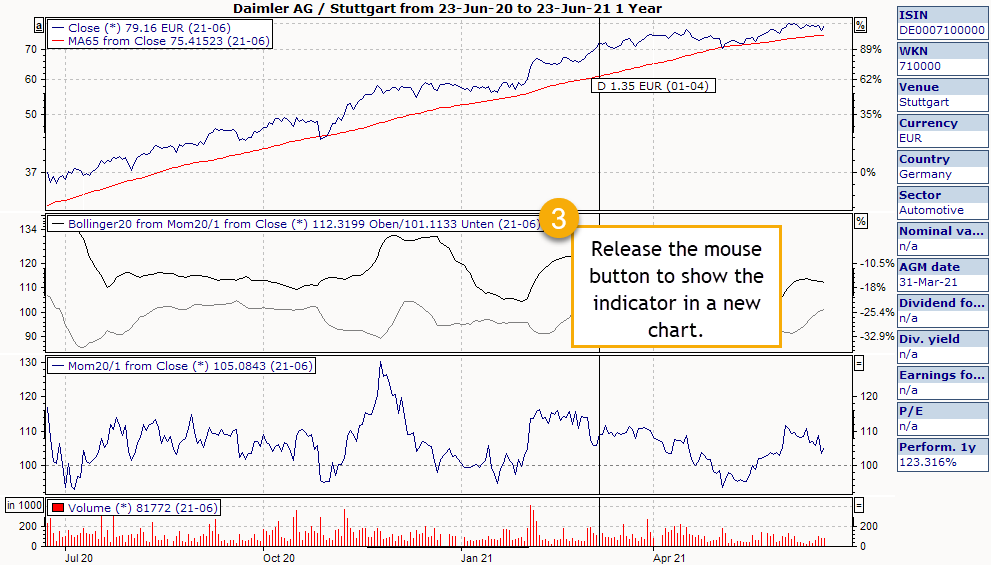
To move an indicator to another chart in the chart window, select the indicator and drag it (while holding down the left mouse button) to the desired position.

Or simply drag it to the top or bottom edge of existing diagrams. If the chart symbol on the mouse pointer is highlighted with a white rectangle, the indicator is displayed in a new chart.