The standard totals functions can be found in the following table:
|
Function |
Description |
|---|---|
|
none |
In this setting, no totals function is assigned to the selected column. |
|
Total |
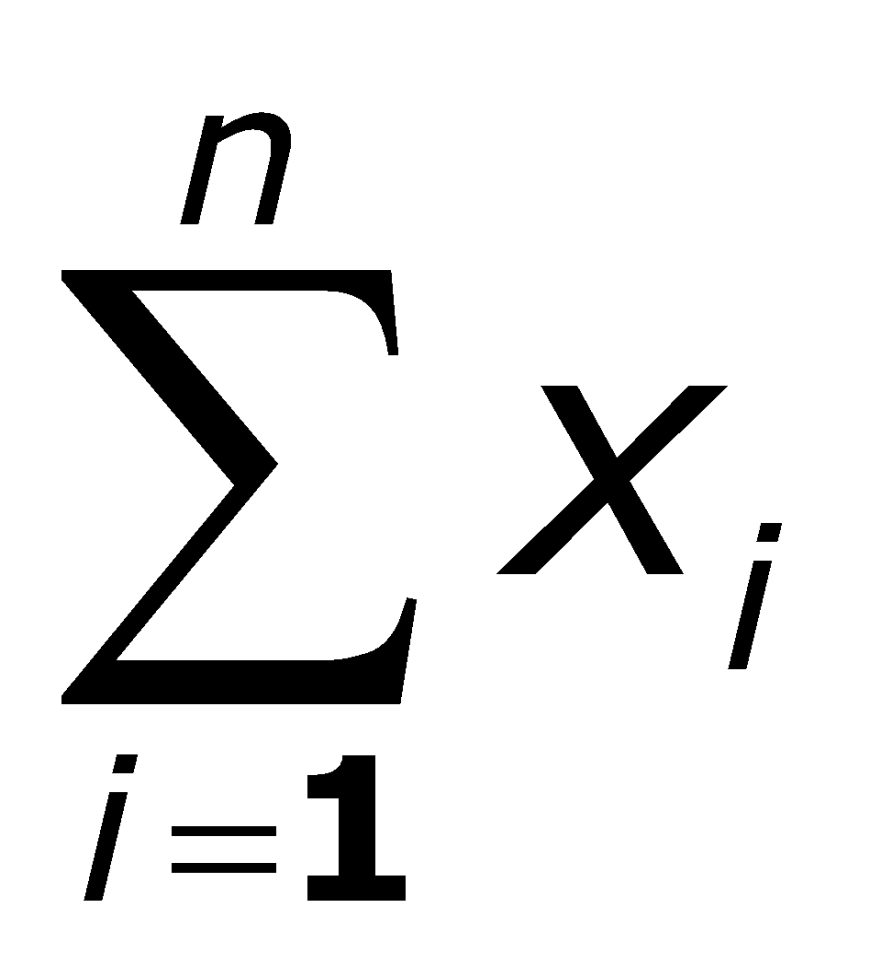
All entries in the column are totaled here: In the example table, the following applies to column "X": 7+3+5+2=17
|
|
Weighted total |
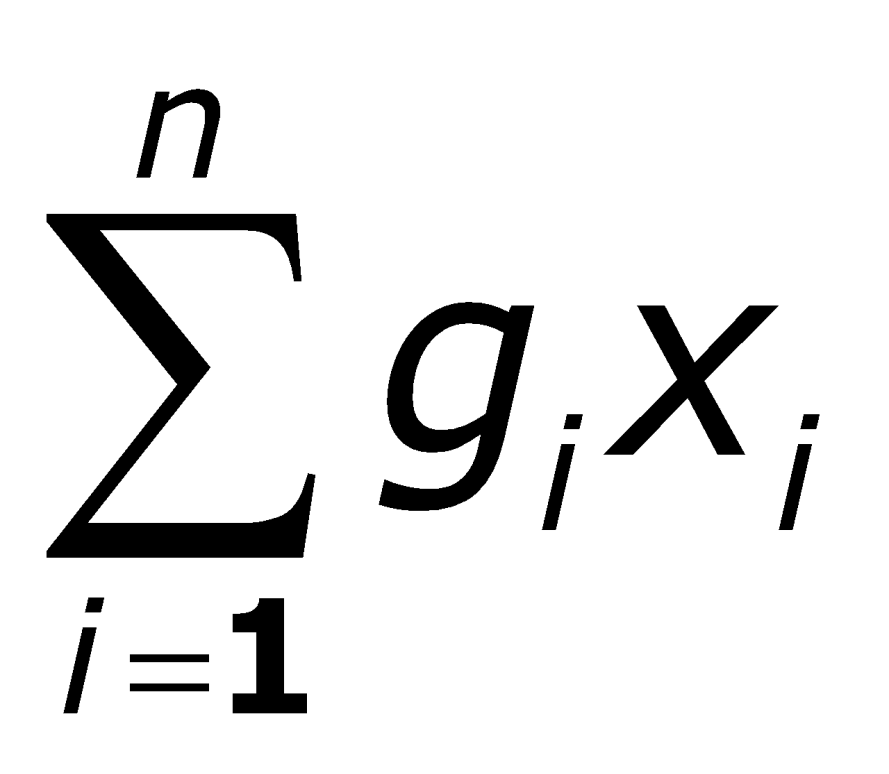
Here, all entries in the column are weighted with a factor that you can select from the other columns in the input field on the far right of the "Totals" dialog box and then added up: In the example table, the following applies to column "X" with factor column "g":
|
|
Maximum |
The largest value in the column is determined here: max{xi} In the example table, the following applies to column "X": max{7;3;5;2}=7 |
|
Minimum |
The smallest value in the column is determined here: min{xi} In the example table, the following applies to column "X": max{7;3;5;2}=2 |
|
Mean value |
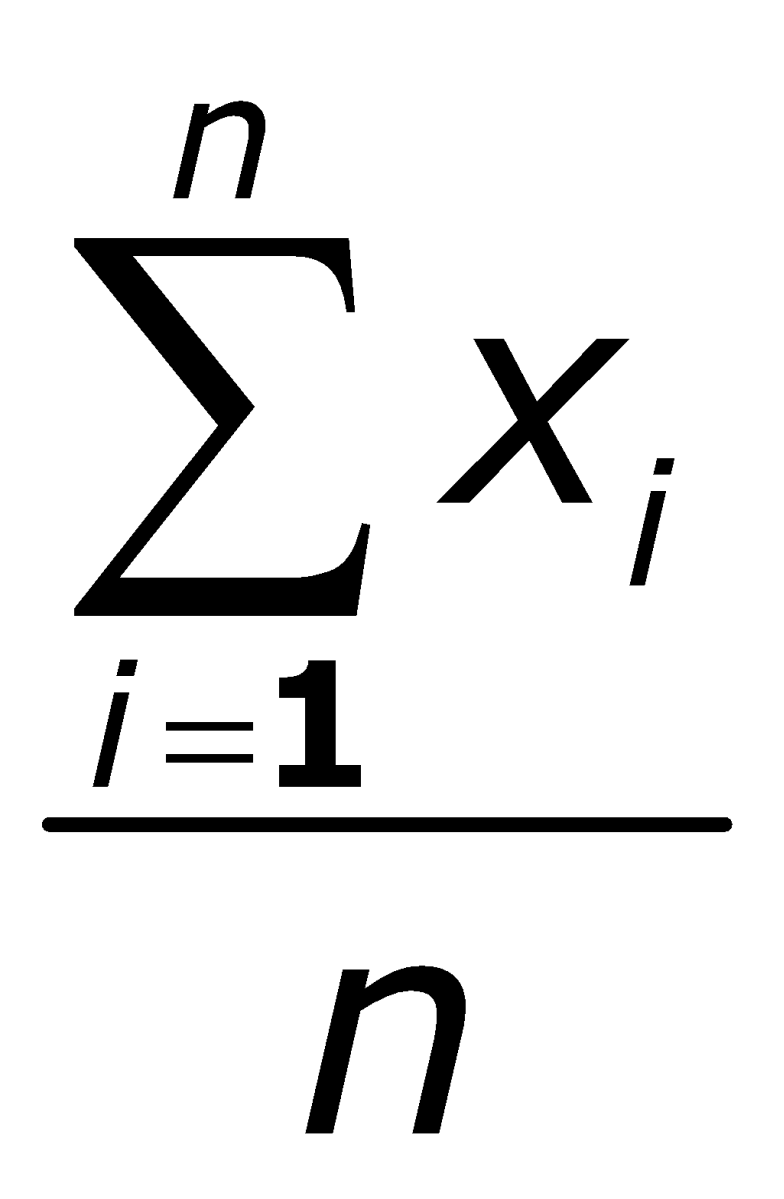
The average value of the column is determined here: In the example table, the following applies to column "X": (7+3+5+2)/4=4.25 |
|
Weighted average value |
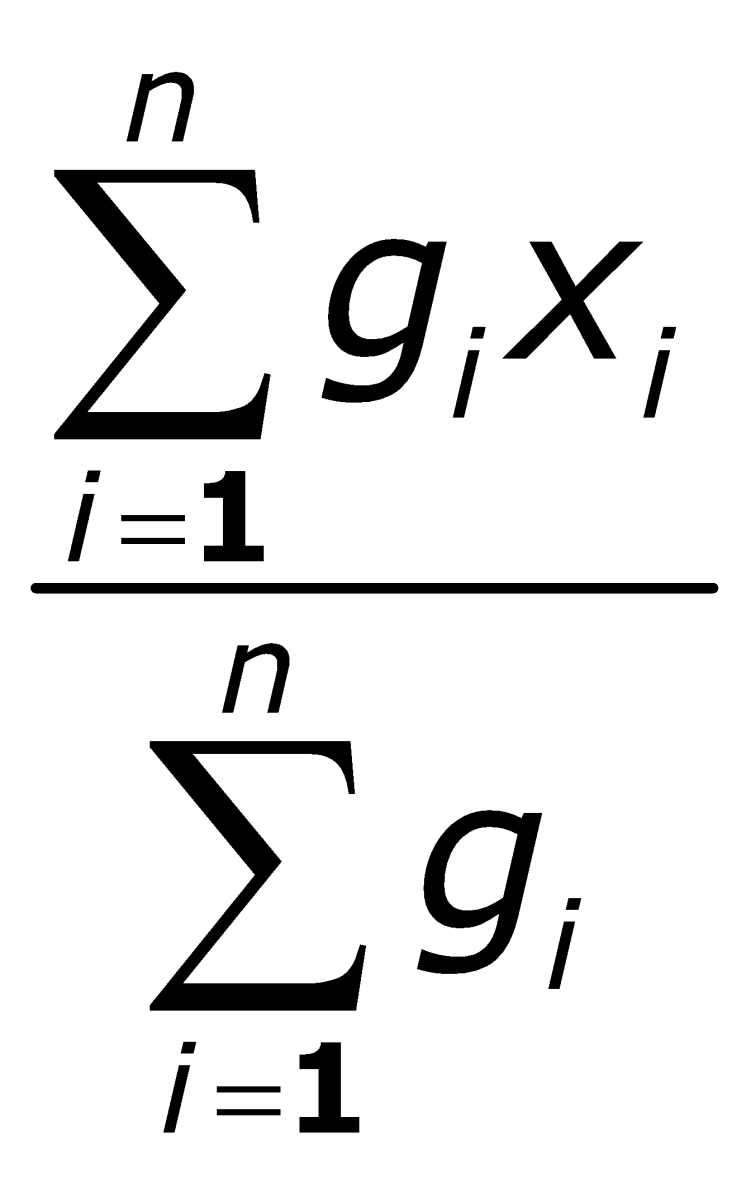
The average value of the column is also determined here, but the individual values of the column are multiplied by a "weight". As with the weighted total, the remaining columns in the table are also available as weights by default: In the example table, column "X" with weight column "g" therefore applies: (50*7+100*3+250*5+10*2)/50+100+250+10=1920/410=4.6829 If you select the alternative parameter "Weight positive values", only the positive values for the selected weight column will be used to calculate the mean value.
|
|
Geometric link |
The summation function "Geometric link" links (time-weighted) returns to calculate the total return as follows: (1+r1)*(1+r2)...-1. |