
Proceed as follows to export a course time series:
-
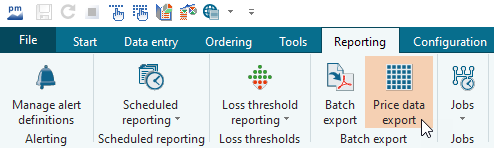
On the "Reporting" tab, select the "COURSE DATA EXPORT" icon.
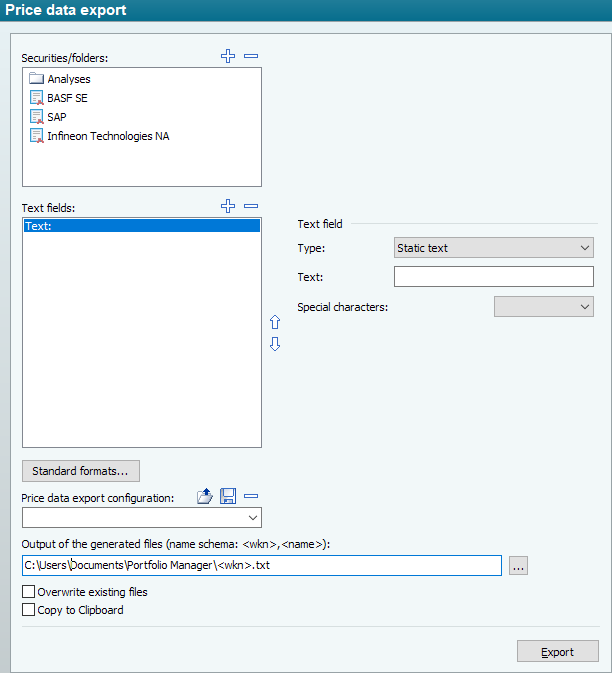
The "Price data export" dialog box appears.
-
Enter the name of the new course data export configuration at the bottom left or select an existing configuration from the selection list.
-


Save your changed course data export configurations regularly so that you can access the changes again.