
With the Infront Portfolio Manager you can export or import database objects. This also applies to the templates.
The data is exported to a file in *.mme format, which can then be imported again using OBJECT IMPORT, e.g. for another customer or as a data backup for your own version.
-
Select the FILE, OBJECT EXPORT command in the ribbon.
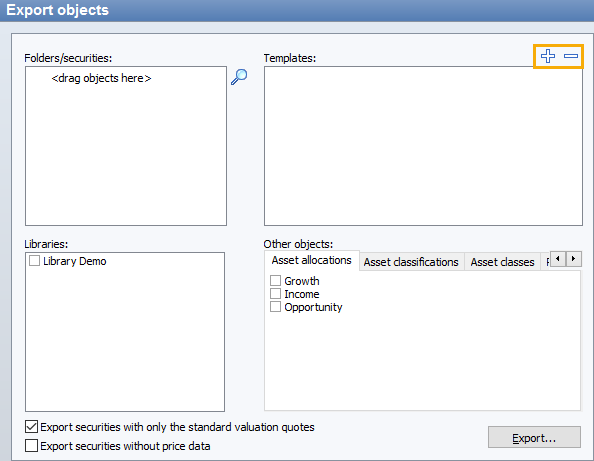
The "Export objects" dialog box opens.
-

-
Select the templates to be exported and click on the "Open" button. The templates are displayed in the "Export objects" dialog box at the top right.
-
After clicking on the "Export..." button, you will be asked to enter a file name and the directory.
-
Click on "Save". The templates are exported to the specified file.