
The "Monitoring customer account persons" table can be found in the "Monitoring" template category. In the workspaces of the depot objects, it is sorted under the "Monitoring" worksheet by default.
The table lists all linked persons of depot objects and shows in the columns "Customer Account Postbox" and "Customer Account Dashboard" whether uploading to Postbox and/or Dashboard is activated for these persons.
The green symbol for uploading is only displayed in the "Customer Account Postbox" column if both the "Upload documents to Postbox allowed" checkbox in the person properties and the specific person link are activated at the respective level.
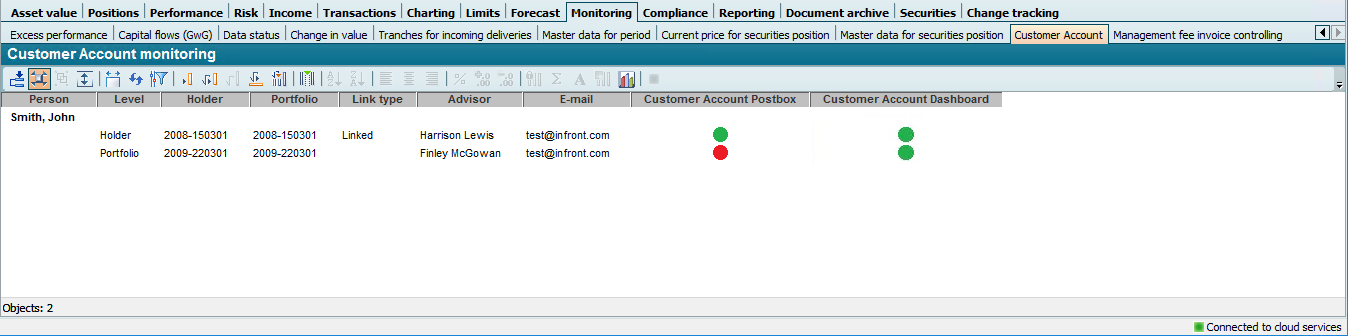
The "Level" column contains information on the deposit object (i.e. the level) to which the person is linked. The following values are possible here:
-
Holder
-
Interested party
-
Portfolio
-
Depot
-
Account
If necessary, please also read the section Configuring personal links.