
Module "Advanced Technical Analysis"
Proceed as follows to display signal systems in the chart window:
-
Open a chart via the search field.
-

-
Select the desired system from the list. The signal system is then displayed in the chart window.
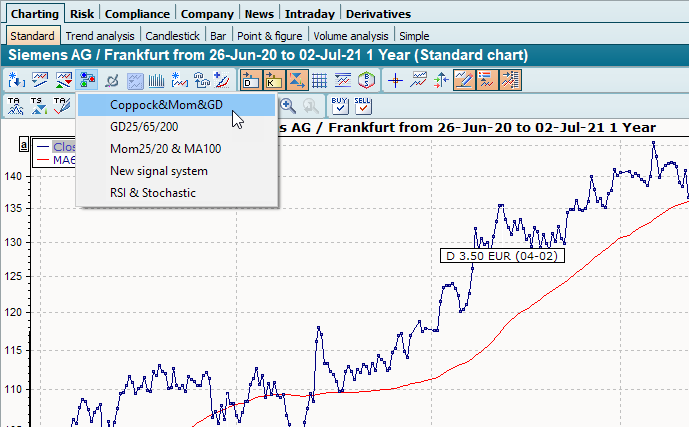
In addition, the trading signals found are displayed in the price trend, provided no other trading system has been assigned to the price trend to date.