
Module "Advanced Technical Analysis"
Proceed as follows to display trading systems in the chart:
-
Open a chart, for example by double-clicking on a security in the Explorer.
-

-
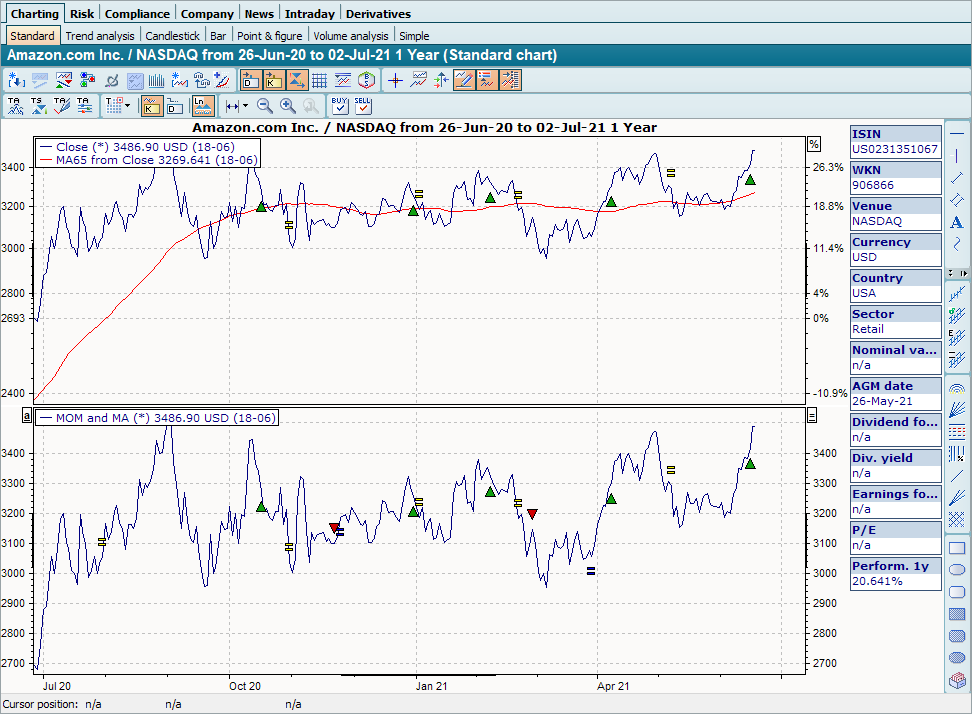
Select a trading system from the list. The trading system is then displayed in a new chart in the chart window.
The trading signals are also displayed in the price history if no other trading system was previously assigned to the price history.
If the display line for the trading system is not defined, the new chart remains empty.