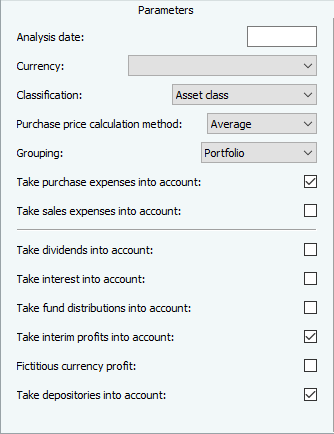
You can change the display sequence of the variables or parameters in the parameter dialog:
-
Original (order according to occurrence in the formula text)
-
Sorted (alphabetical sorting)
-
Manual (manually change the order using drag & drop or the arrow icons)
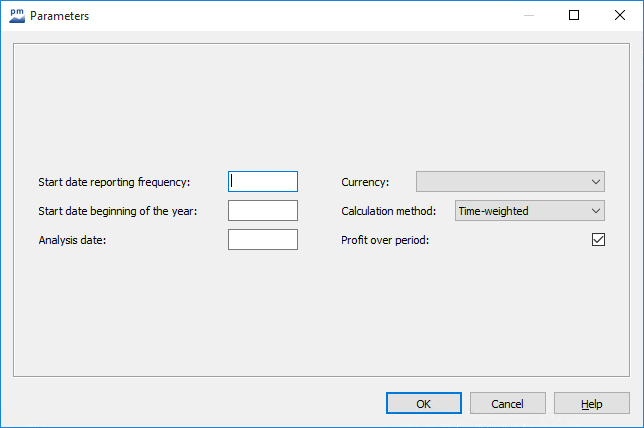
By default, the variables are displayed one below the other in the parameter dialog. To group the parameters, activate the checkbox in front of a variable. To force a column break below these variables in dialog windows with parameters. A separator line appears after the parameter in the parameter lists of tables and charts.
Parameter dialog of a report with activated checkbox in front of the parameter "Evaluation date":
Parameters of a table with an activated checkbox in front of the "Consider sales charges" parameter: