
Module "Portfolio Service Extended Portfolio Analysis"
In the Infront Portfolio Manager, a fixed, storable comparator - e.g. a sample portfolio - can be set up using the "Performance chart with comparator" template.
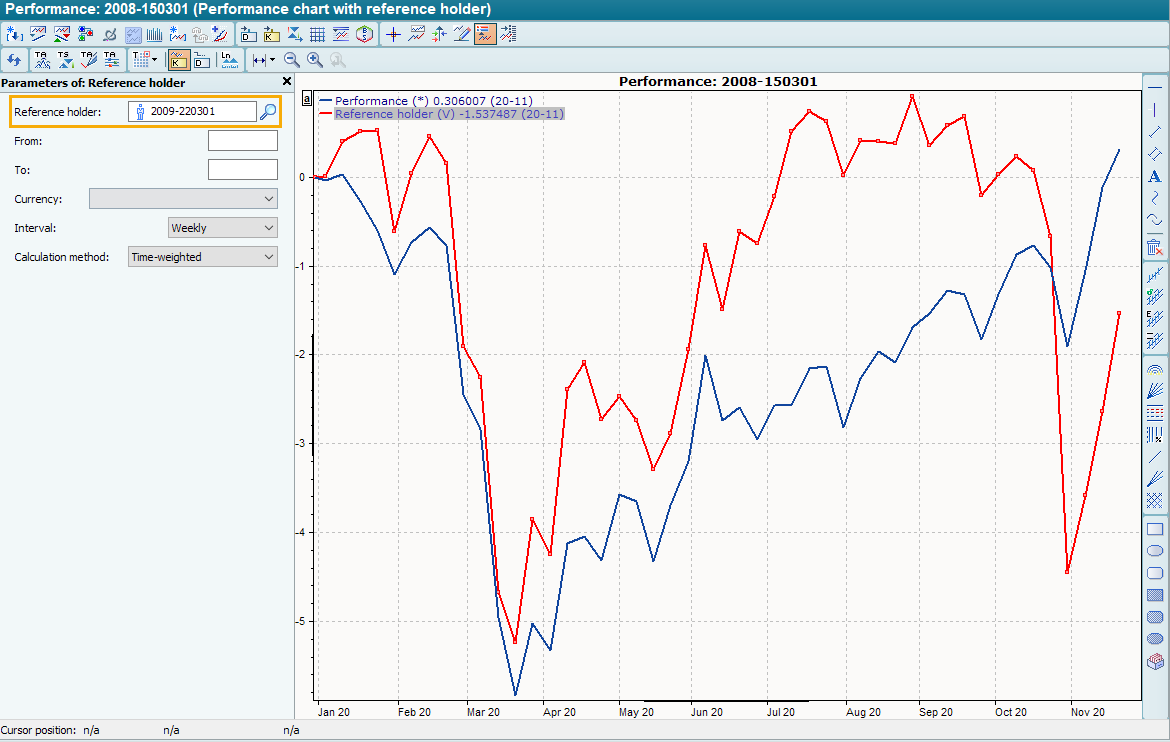
To assign a comparative holder to a holder in the performance chart, proceed as follows, for example:
-
Select the command OPEN WITH TEMPLATE... in the context menu of the owner in the Explorer.
-
In the "Open template" dialog box in the "Securities account management" category, select the "Performance chart with comparative holder" template.
-
In the legend, select the default 'empty' time series "Comparison owner" and then select the parameters for this selected time series with <CTRL>+<A>.
-

-

-
If necessary, hide the parameters again with <CTRL>+<A>.
-
If you save the template, the comparison owner assigned in this way remains valid for the next considerations.