
Navigation in the Infront Portfolio Manager
The Analysis & Risk Report opens within the browser in the Infront Portfolio Manager.

You can use the familiar object links at the top of the browser to switch to other online tools at the click of a mouse. For example, to the iProfiles (depending on the subscription) or the company's homepage.
Display within the PDF document
You can also use the analyses to show the Adobe Reader toolbar.
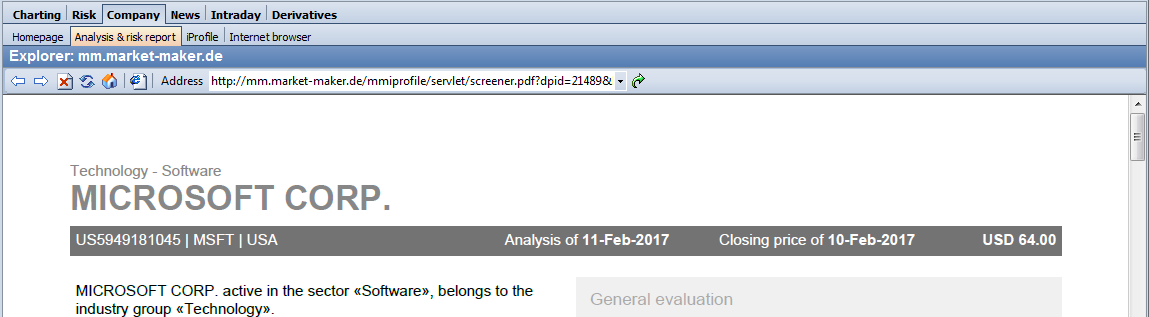
The usual options are available here for viewing the Analysis & Risk Report (search function, zoom, save, etc.). You may find further information under: www.adobe.com.
Print Analysis & Risk Report
To print the company analyses, you can use the "Print" icon from the Adobe Reader toolbar or the familiar commands in the main menu of your Infront Portfolio Manager.
The Adobe Reader "Print" dialog box opens.
Save Analysis & Risk Report
The opened Analysis & Risk Report can also be saved via the Adobe Reader toolbar.