
To select a new underlying asset with the option strategy calculator open, proceed as follows:
-
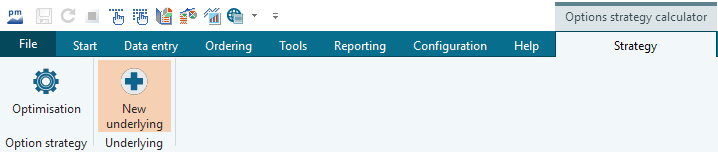
Select the "New underlying" icon on the "Strategy" tab.
The "Underlying selection" dialog box appears. -
Select the underlying from the list by double-clicking on it. The option strategy calculator presents the new underlying.