
To create a new supervisor, proceed as follows:
-
On the "Data maintenance" tab, select the CUSTOMER command in the "Manage objects" icon menu.
The "Manage custodians" dialog box appears.
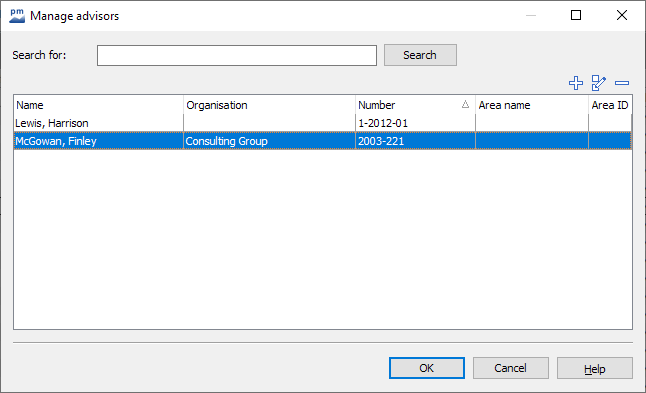
-

-
In the "Supervisor properties" dialog box that appears, enter the supervisor number and, if necessary, a comment as well as the abbreviation and name of the area of supervision.
-
Select the "Address..." button to enter the supervisor's address data in the familiar "Address properties" dialog box.
-
Close the "Supervisor properties" dialog box with "OK".
-
Once you have created all supervisors, close the "Manage supervisors" dialog box by clicking "OK".