
All string symbols of a formula in the formula editor appear in the list of string symbols on the right-hand side of the formula editor. You can enter the desired value here. Proceed as follows:
-
Select the desired string symbol in the list on the right-hand side of the formula editor.
-

-
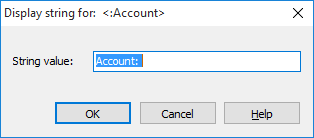
Enter the desired string value in the "Display string to" dialog box that appears.
-
Confirm the entry with "OK".