Intraday Online Service" module
The following chart forms are currently available for the intraday charts: Line, points, bar, point and figure, histogram and candlestick.
Proceed as follows to display intraday prices in the chart:
-
Open any security chart.
-
Establish the connection to the Internet.
-
Activate the "Intraday data" icon. The icon turns green when the Intraday Online Service has been successfully activated.
-
You can then request the intraday data via the "Update and re-evaluate data" icon.
First, the current price is added to the open chart. -
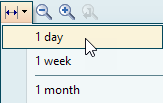
To display the intraday chart, click on the "Time range" icon and change the time period to "1 day".
-
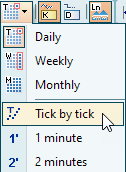
Finally, click on the "Consolidation" icon and select an intraday interval, e.g. "Tick by tick".
The price data is neartime and available on a pull basis, i.e. new data must always be requested via the "Update and re-evaluate data" icon or the <F8> key.
The prerequisite for a meaningful display in the charts is the activation of the "Intraday Online Service" module.