
You can delete all alerts that were generated by a job of the "Alerting" type. Proceed as follows:
-
In the "Configure jobs" worksheet, select the job whose alerts you want to delete.
-
Then select the "Delete alerts" icon on the "Jobs" tab that is now visible on the right-hand side of the ribbon.
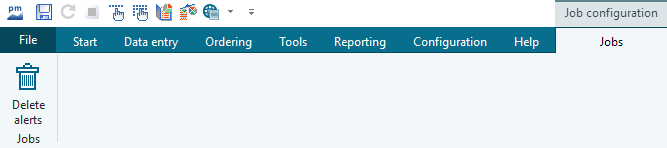
All alerts generated by this job will be deleted.