
-

If no clipboard has been created yet, "Clipboard 1" is displayed. -

The folders are created in the lower area. They are numbered consecutively and cannot be renamed. -

-
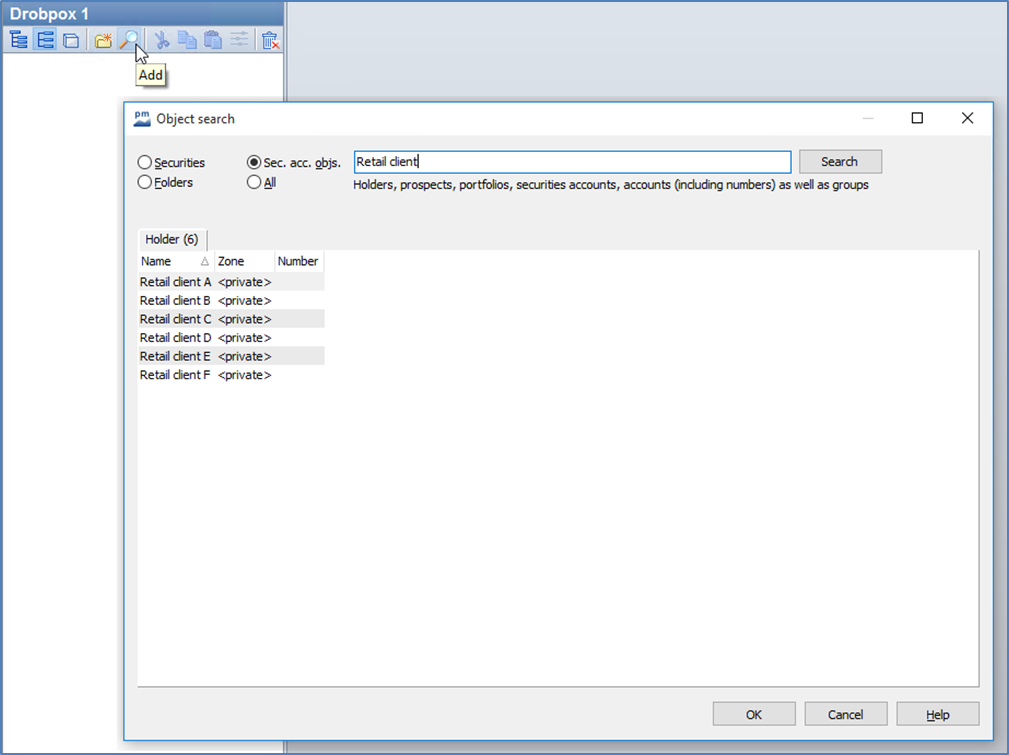
Select the objects to be inserted in the search result of the object search and confirm your selection with "OK".
Hold down the <CTRL> key to select several objects.
The selected objects are displayed in the tray.
Another mouse click on the currently active icon of these three different views - Explorer, File and Alert view - takes you directly back to the previous view.
Example: Once you have switched from the Explorer to the File view, click on the "File view" icon again to switch back to the Explorer, etc.