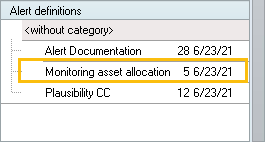
Portfolio Service Alerting" module
You want to generate alerts when the asset allocation of your portfolios is violated. Proceed as follows, for example:
-
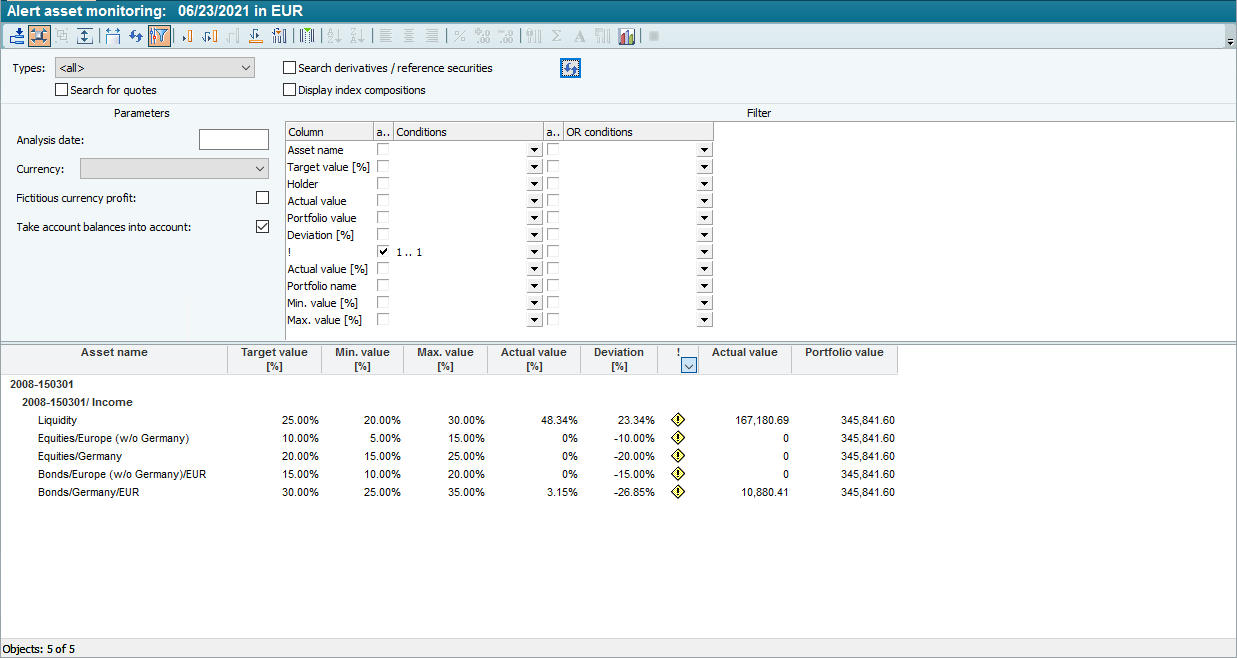
First create a suitable template. For example, use the "Asset monitoring" template as an alert template. Filter the asset monitoring for the "!" column so that all data rows not equal to 1 are filtered out. This leaves only the rows (portfolios) that show problematic basic asset class combinations.
-
Save the modified template under a new name, e.g. "Alert asset monitoring".
-
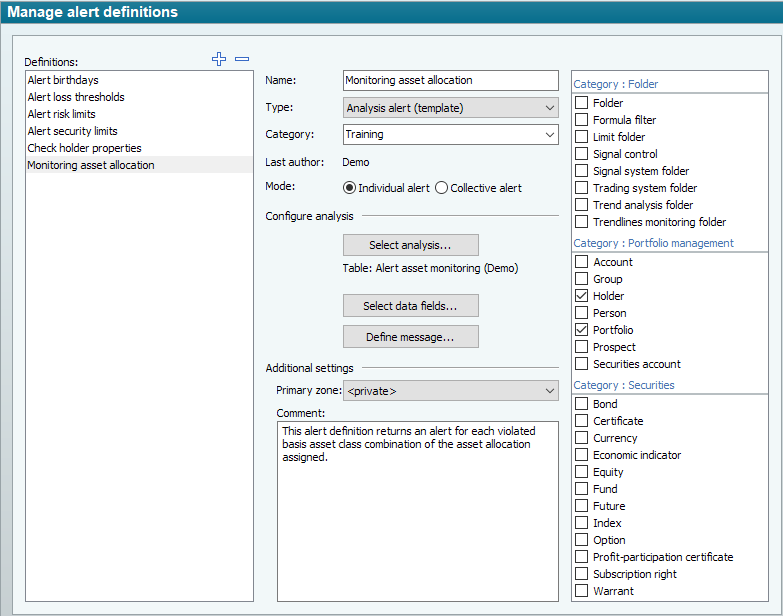
Then create a new alert definition. After defining the name and category, select "Evaluation alert (template)" as the type and "Single alert" as the mode in order to receive a separate alert and corresponding message for each asset violation.
-
Then select the previously created template for this alert definition using the "Select evaluation" button.
-
On the right-hand side of the worksheet, select the object types for the alert definition, e.g. "Portfolio" in this example.
-
Select the data fields "Asset description" and "Deviation [%]".
-
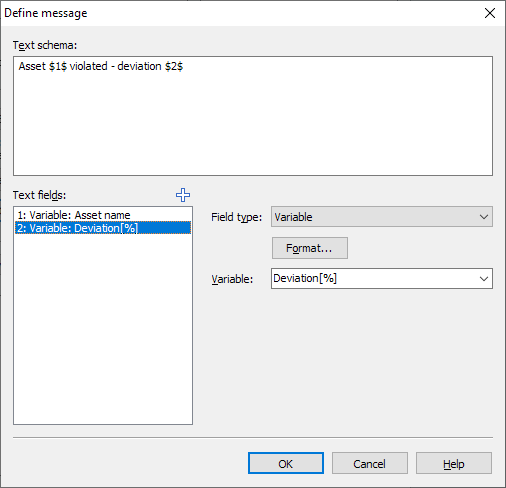
Define a message with these two variables, e.g: "Asset $1$ violated - Deviation $2$".
-
Save the configured alert definition.
-
Set up a corresponding job and execute it. If necessary, read the chapter Jobs.
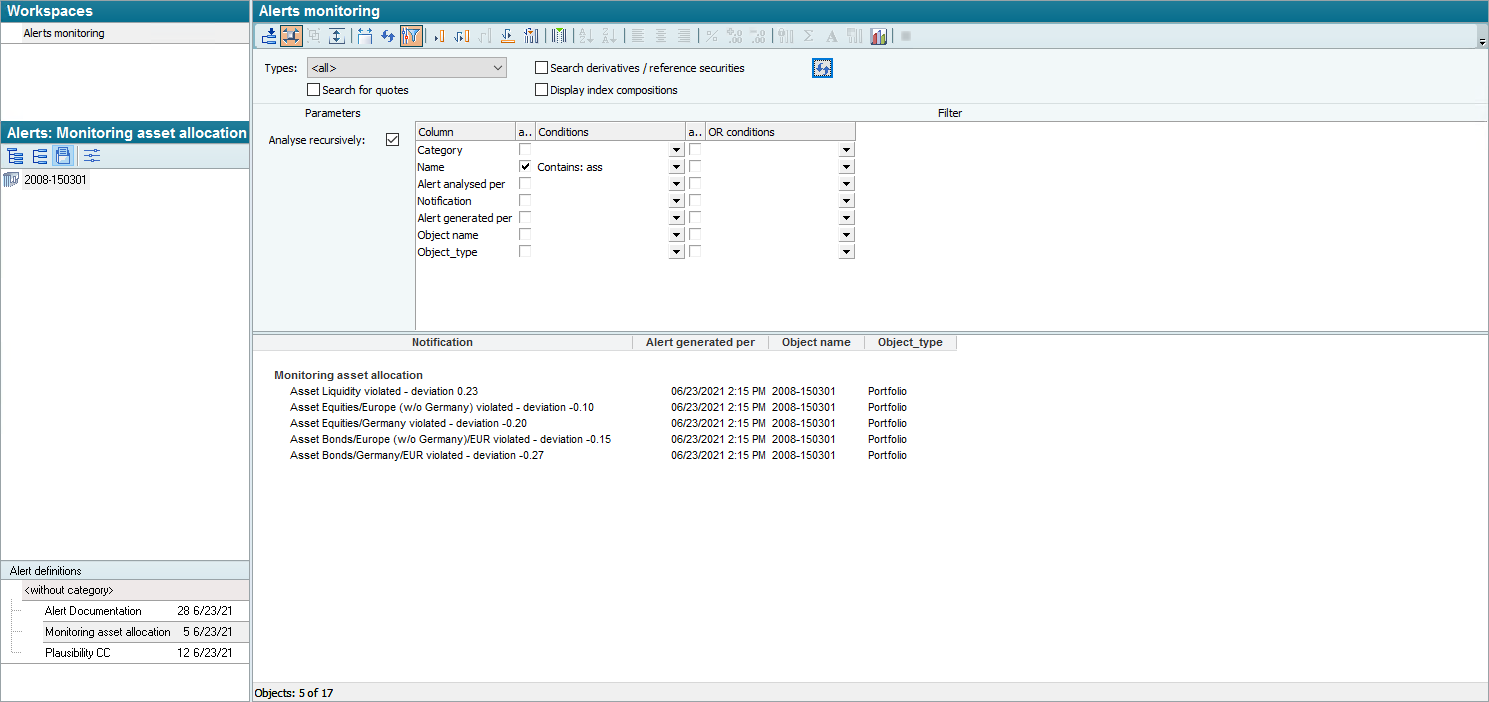
You will receive the following result in the alert view, for example: