
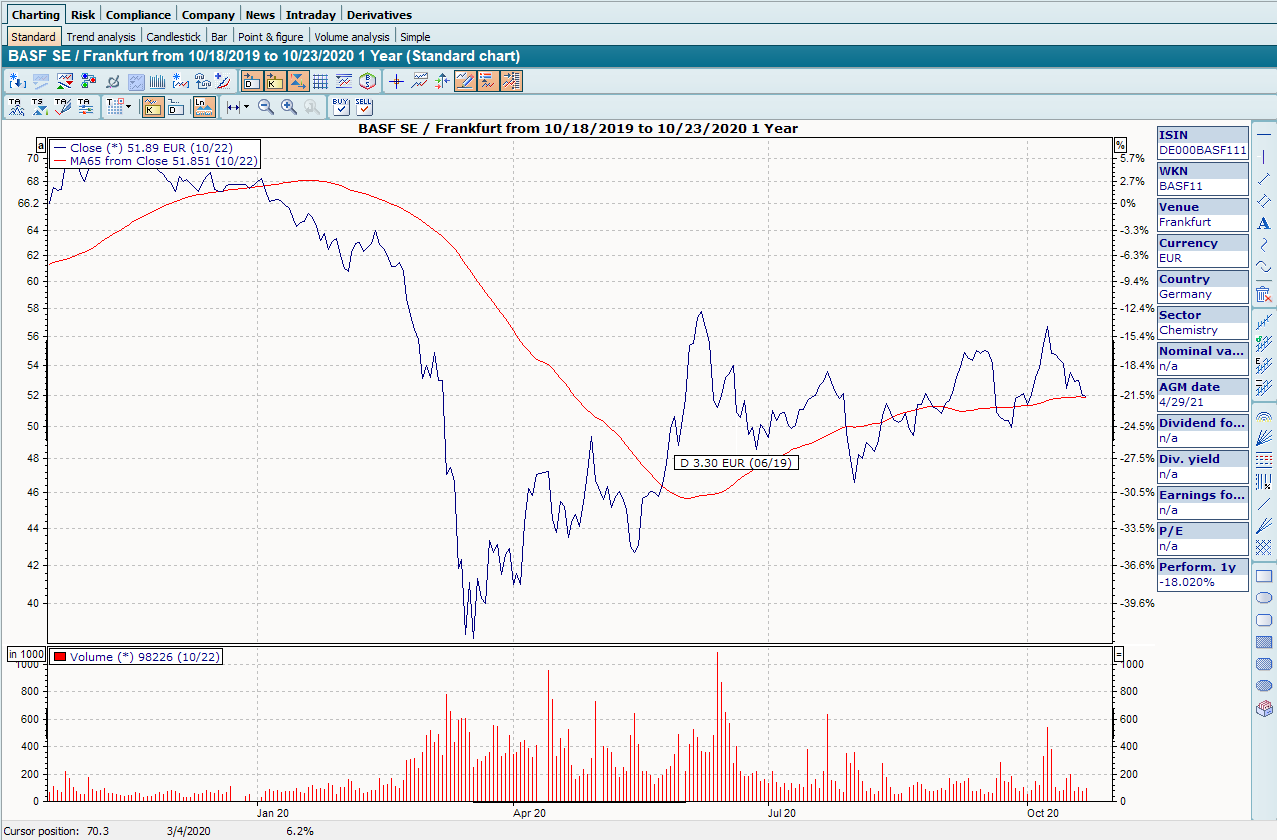
A "Charting" worksheet can also be found by default in the open workspace of Depots. You can use this worksheet to display the securities in a securities account as Chart show .
-
Double-click to open the depot.
-
Click on the "Charting" worksheet in the upper area and then on the "Standard" worksheet.
The securities in the securities account are displayed as a chart show .

You can also display the transactions of the securities account in these charts. To do this, click on the "Show custody account transactions" icon.
A chart template optimized for this purpose is the "Chart Depot", which you can also find in the workspace of depot objects on the "Charting" worksheet.