
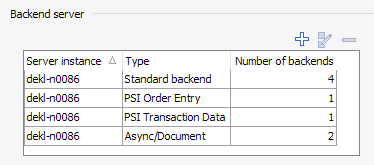
To add the current server instance as a backend server, proceed as follows:
-
Unknown Attachment Select this icon in the "Backend server" area.
-
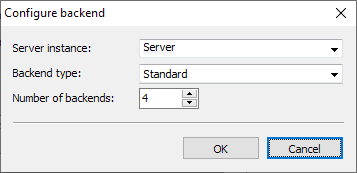
The "Configure backend" dialog box appears. You can select the registered server instance again from the selection list. Specify the type and number of backends. To determine how many backends you should set up and which backend types you need for which activities, read the section Backend server.
-
Confirm the backend configuration with "OK".