
Once you have created your settings profiles as described above, you can now assign them to users. Proceed as follows:
-
Open the user administration via the <User administration> command in the Windows start menu.
-
Select the desired user in the "Domains with users and zones" area.
-
Select the configuration in the "Settings profile" selection list with a mouse click.
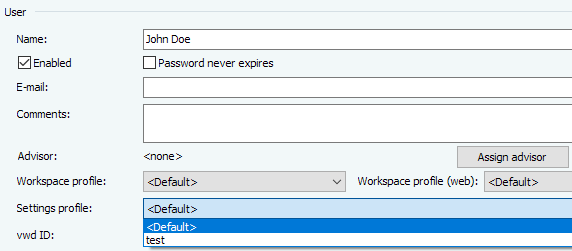
-
Save the change with the "Save" button.
-
Proceed in the same way for all other users to whom you want to assign a (new) settings profile.
If necessary, read the chapter User administration in the administration manual.