
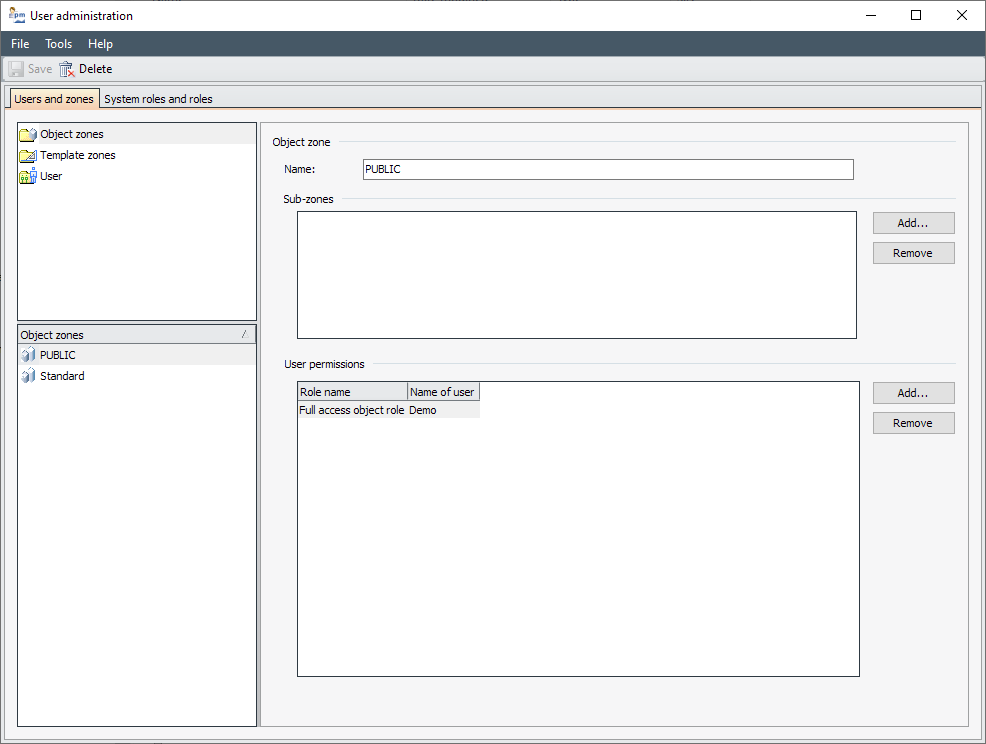
In the actual work area of the user administration interface, there are two tabs at the top, which you can switch between with a mouse click:
-
On the first tab "Users and zones" (or "Domains with users and zones") you can create, edit and delete domains (if activated), users and zones.
-
On the second tab "System roles and roles", you can create, edit and delete system roles and (object) roles.
On both tabs, you will find navigation elements on the left-hand side to switch between the individual objects. The selected object is displayed on the right-hand side.